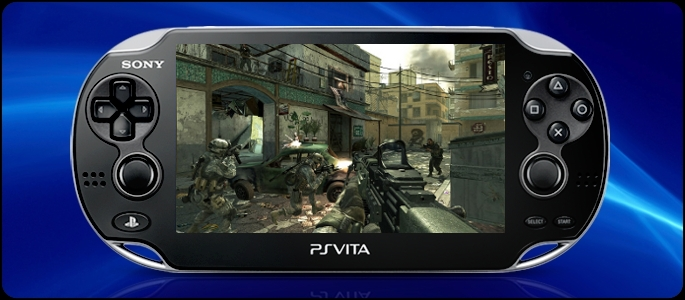
When we started our series of Vita how to’s we asked you to send in your questions. Now, we’ve been asked “how do you change the Vita’s background?” Well, here’s how.
The question comes from PSLS reader Alex M who says:
I want to change the Vita wallpaper? Is it possible and do dynamic themes w[o]rk?
First off, there are currently no dynamic themes for the PS Vita, other than the slow moving pre-installed colored waves, but you can choose different colors, or static images. Changing the background is simple, hold your finger for a few seconds on the screen once you’ve gotten past the lock screen. Then, you should see something like this:
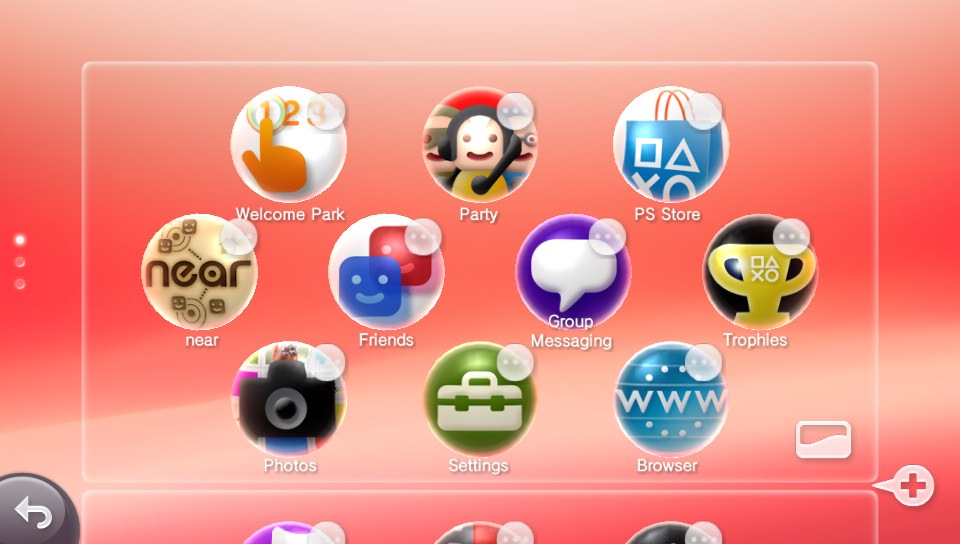
Once there, simply press the little rectangle at the bottom right of the screen, which will bring you to this:
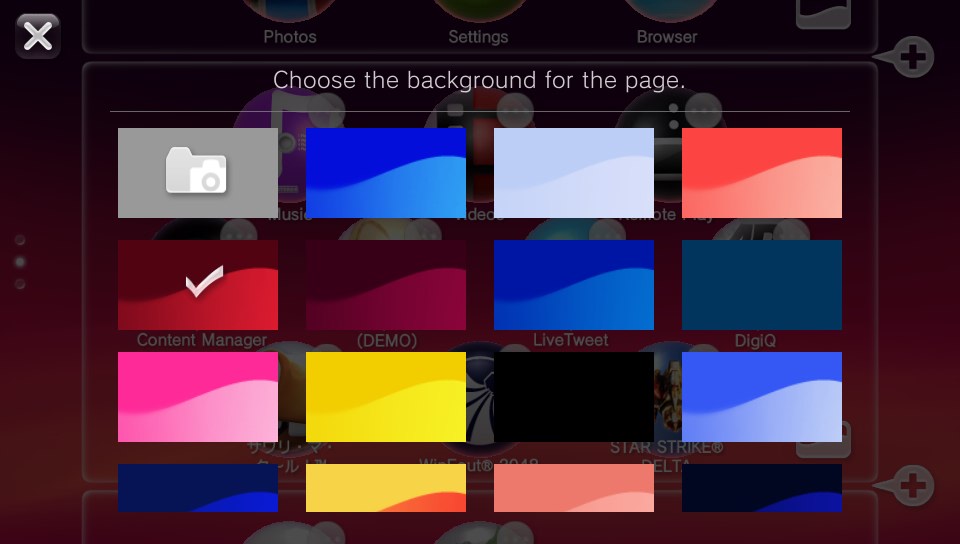
There, you’ll be able to choose from one of 23 color focused dynamic waves, all of which slowly ebb and move. But if they aren’t to your fancy, press the camera in a file image:
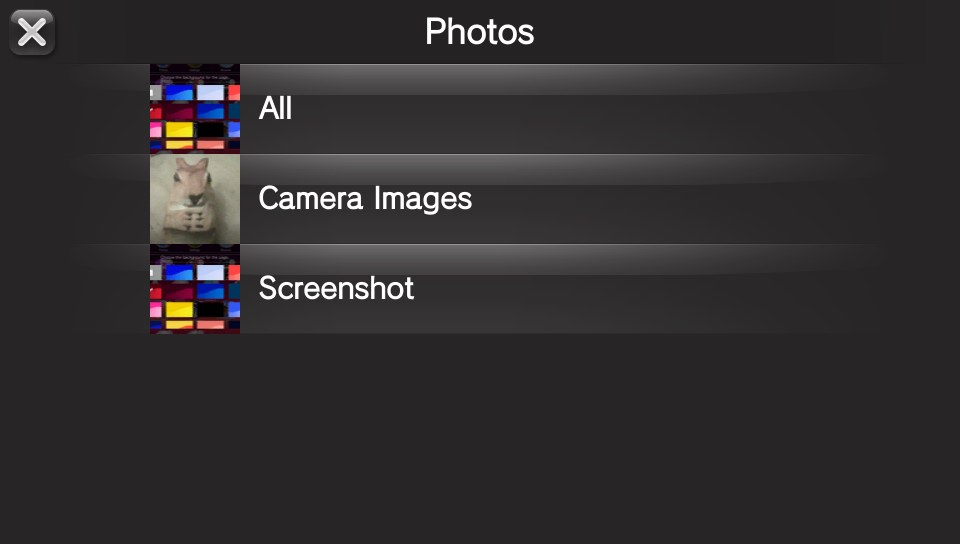
Pick between all, camera images and screenshots and then choose your final image:
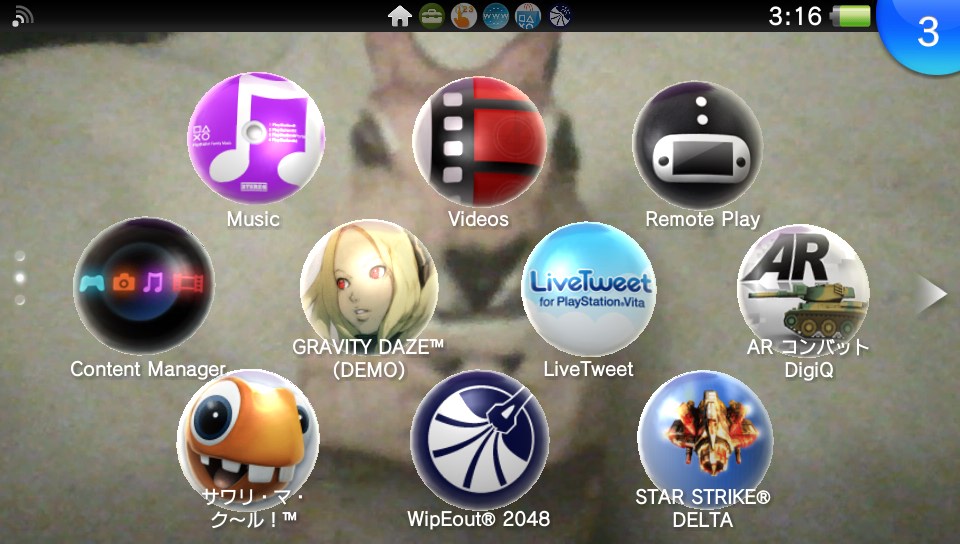
And boom, done. What’s nice is that you can have a different theme or wallpaper for each ‘page’ of games and apps, and when you choose different colors the transition will mix the colors.
As ever, if you have any questions or tips and tricks, email me at sebastian.moss@playstationlifestyle.net.